
My Favorite Gadgets:- https://www.amazon.com/shop/howtoisolve
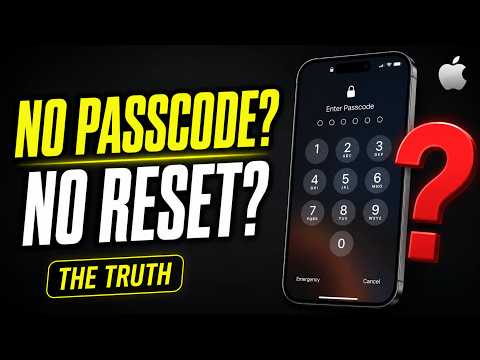
Can you unlock an iPhone without a passcode and without resetting it?
The short answer is no.
Because of Apple’s strict security and privacy protections, there is no official or reliable way to bypass a forgotten iPhone passcode without erasing the device. If you’ve forgotten your passcode, Apple requires the iPhone to be erased before it can be used again.
Now, before you panic, there are a few situations where you may be able to avoid losing your data.
The first situation is if you have a recent backup.
If you’ve been backing up your iPhone to iCloud, Finder on Mac, or iTunes on Windows, you can erase the iPhone, set it up again, and restore all of your apps, photos, messages, and settings from that backup.
In this case, you’ll still need to reset the iPhone, but you won’t lose your important data.
The second situation is if you recently changed your passcode.
On newer versions of iOS, Apple may provide a temporary Passcode Reset option for a limited time after changing your passcode. If available, you can use your previous passcode to regain access and create a new one.
However, this only works within Apple’s limited recovery window and won’t be available if too much time has passed.
Outside of those situations, there is no legitimate way to unlock an iPhone without knowing the passcode.
Be very careful of websites, apps, or videos that claim they can bypass an iPhone passcode without resetting the device. Most of these are misleading, outdated, or outright scams.
If you’ve forgotten your passcode, the safest option is to erase the iPhone and restore your data from a backup.
And if you need help with that process, I already have a complete step-by-step tutorial showing how to erase an iPhone, factory reset it, and remove a forgotten passcode.
Check out the video linked above or in the description for the full walkthrough.
If this video helped you understand your options, don’t forget to like, share, and subscribe for more iPhone tips and tutorials.
Thanks for watching, and I’ll see you in the next video.
Subscribe on YouTube: https://www.youtube.com/freetechguide?sub_confirmation=1
#iPhonePasscode #iPhoneUnlock #ForgotPasscode