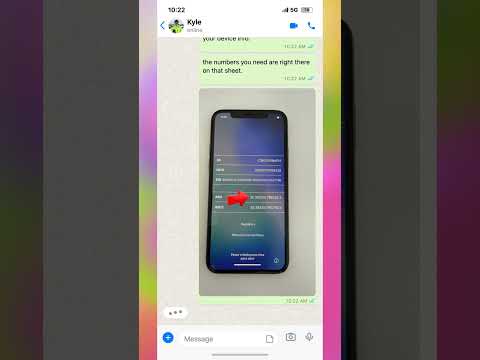
Stuck on the Hello screen with an iPhone that says it is locked to the owner? This is a common issue when purchasing a used device or recovering a lost phone. Activation Lock is a security feature designed to protect your data, but it can be frustrating if you do not have the original Apple ID credentials. In this video, we walk through the technical process of identifying your device status using the IMEI number found on the activation screen. You will learn how to properly locate your device information and understand the steps required to address the iCloud lock status. We cover the specific requirements for verifying your iPhone model and how to interface with the system to clear the lock. Whether you are dealing with a device from a lost and found bin or a second-hand purchase, this tutorial provides a clear path to getting your iPhone back to the home screen and ready for your own Apple ID. Follow along to learn how to bypass the activation barrier effectively.
Posted inBlog
Ski Shop ‘Found’ Phone: Locked to Owner? How to Fix Activation Lock
Posted by
 No Comments
No Comments