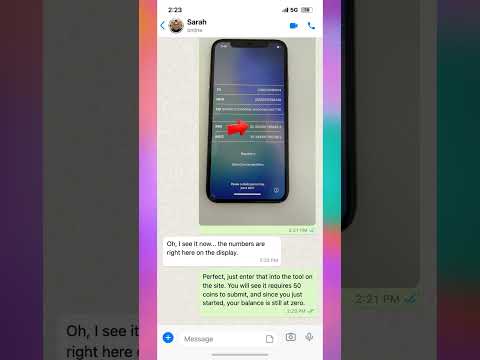
Stuck on the Hello screen after purchasing a used iPhone? If you have recently acquired a device from a library surplus event or a secondary market and find it is locked to a previous owner, you are likely dealing with an iCloud Activation Lock. This security feature is designed to protect data, but it often prevents new owners from setting up their devices. In this video, we walk through the methodical process of identifying your device status using the IMEI number. You will learn how to locate the unique serial information directly from the activation screen by tapping the information icon. We explain the steps required to process an activation lock removal request, ensuring your iPhone is ready for use. Whether you are dealing with a single locked device or a batch of surplus electronics, understanding how to interact with the activation lock interface is essential for regaining access to your hardware. Follow along as we demonstrate the proper procedure to clear the lock and restore your iPhone to full functionality.
Posted inBlog
Stuck on Hello? How to Remove Activation Lock — Library Sale Fix
Posted by
 No Comments
No Comments