
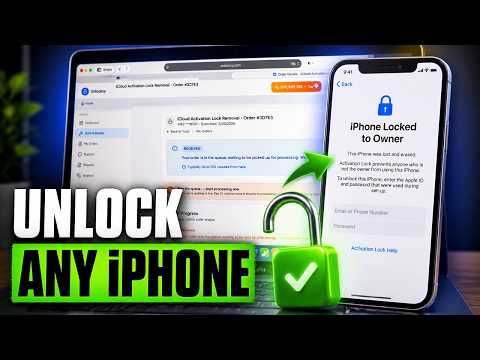

🔒 Is your iPhone 12 showing “Locked to Owner” or stuck on the Activation Lock screen? In this video, we walk through the process of checking your device status and exploring the steps involved in submitting an iCloud unlock request.
Learn how Activation Lock works, why it appears after a reset, and what information may be required during the verification process. We explain each stage in a simple, easy-to-follow format so you can better understand your options and what to expect throughout the process.
Whether you’re dealing with an iPhone 12 that is locked to an Apple ID, researching activation lock solutions, or trying to regain access to your device, this tutorial provides a complete walkthrough from start to finish.
Watch the full video to learn how to verify your device status, track your request, and understand the iCloud Activation Lock process.
#iPhone12 #iCloudLock #ActivationLock #LockedToOwner #iPhoneUnlock #AppleIDLock #Unlocksy #TechTutorial #iPhoneHelp #MobileTech



IMEI checker info was really helpful, thanks for explaining ❤
Great tutorial boss thanks for the video shared with us and i will recommend everyone
Thanks for this helpful guide. The instructions were straightforward, and the video was well organized. Looking forward to more useful content like this!
Finally! It worked perfectly. Thank you so much!"
How can remove icloude lock from iphone 12 this informed by the vedio step by step explained nicely thank for sharing the vedio
please help me unlock my 14 pro max ios 26.5