A new tool comes on the market to bypass MDM remote management MDM enrollment from apple devices special MacBooks, MDM means your computer has a remote management profile and can me managed by distance. MDM is not related to iCloud lock so this remote management its a company or school computer that has a profile to be administrated by IT. MDM enrollment Works on the latest macOS like Ventura and BigSur.
Using HFZ MDM activator tool , its a simple tool that runs under your computer to remove your MDM profile.
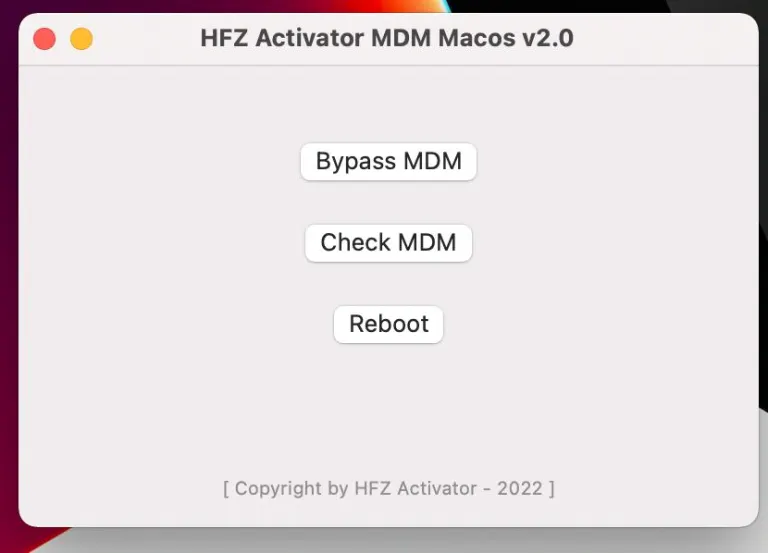
This new tool HFZ MDM activator also let you check if your device has an MDM profile installed will make a quick check to detect remote management. To remove the MDM you need run the tool and register your MacBook serial. After registration, the software will work and remove your local MDM profile.
Instructions :
Macbook MDM Bypass Activator for T1 T2 & M1 M2
FMI OFF NEEDED ( find my mac must be OFF )
Note: MDM Mac Bypass Can only be done if FMI Is OFF & MDM ON
Do Not Order MDM Bypass if Find My Mac ON MacBook
Supported Models:
ALL MACS With Intel, M1 and M1 Max & M2 CPU 2010 -2022
No Need Thunderbolt 3 Cable
No Need Another Mac to Bypass
Tutorial to Bypass MDM on MacBooks
1. Boot Recovery
2. Erase SSD
3. Reinstall MacOS
4. While installing it reboot to Apple Logo with a Timer
5. Turn off router so mac won’t get wifi
6. Setup mac without wifi
7. Go to Desktop
Disable SIP in Mac ( check youtube how to disable SIP)
8. Turn Off Mac
9. Boot to Recovery
10. Open Utilities and open Terminal
11. Type: csrutil disable
12. Press enter must say: SIP Turned Off
13. Reboot Mac to Desktop
14. Connect wifi
15. Download the tool
16. Install
17. Click to Bypass ( Register serial )
18. Done
Download tool: Macbook MDM Bypass Activator for T1 T2 & M1 M2