
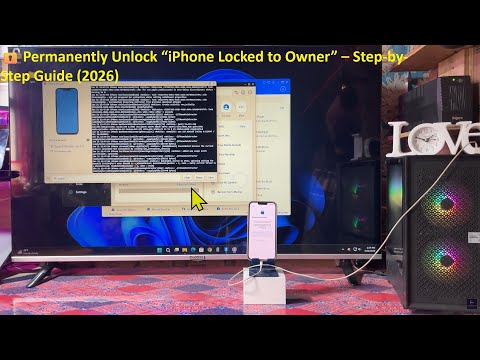

Remove iCloud Activation Lock Without Previous Owner | Unlock iPhone Locked to Owner Using PassFab iPhone Unlock: https://bit.ly/3ZbgI3F
FREE 🔓 Permanently Unlock “iPhone Locked to Owner” Without Jailbreak (No Apple ID or Password!)✅
Are you stuck on the “iPhone Locked to Owner” or Activation Lock screen? 😱 Don’t worry — in this video, I’ll show you the latest 2025 working method to permanently unlock any iPhone without Apple ID, password, or jailbreak.
This method is 100% safe, tested, and works on all iPhone models including iPhone 6s, 7, 8, X, 11, 12, 13, 14, and 15 series — even on the latest iOS 18!
🔥 What you’ll learn in this video:
✅ How to remove “iPhone Locked to Owner” step by step
✅ How to bypass iCloud Activation Lock permanently
✅ How to use your iPhone normally again
✅ How to unlock iPhone without Apple ID or password
✅ 2025 updated method — no jailbreak required
💡 Why watch this video:
100% working in 2026
Easy-to-follow tutorial (no coding or tools needed)
Permanent solution — not just a temporary bypass
Works on iPhone & iPad
📱 Supported Devices:
iPhone 6s → iPhone 15 Pro Max
iPad (Wi-Fi & Cellular models)
📢 Tip: Watch the full video carefully. Missing even one step can cause the method not to work.
🔔 Subscribe for more iPhone unlock tricks, iCloud bypass methods, and the latest 2026 iOS fixes!
Free permanently unlock iPhone,
remove activation lock,
iCloud bypass 2026,
iPhone unlock without Apple ID,
iPhone activation lock removal,
no jailbreak unlock,
unlock iPhone without password,
iPhone iCloud removal, iPhone locked to owner fix
#iPhoneLockedToOwner #iCloudBypass #iPhoneUnlock #ActivationLockBypass #NoJailbreak #AppleIDBypass #iPhoneTips #techguide2026


my phone stuck at 20percent while flashing and it stuck on restore screen
Remove iCloud Activation Lock Without Previous Owner | Unlock iPhone Locked to Owner Using PassFab iPhone Unlock: https://bit.ly/3ZbgI3F
Hi! Does an iPhone need to be connected to Wi-Fi all the time?
I encountered a problem. After clicking Start in the Batch Activation window, after a few seconds a window appears prompting you to enter the Apple ID and password.
How to restore network on bypass iPhone
Does it affect the network