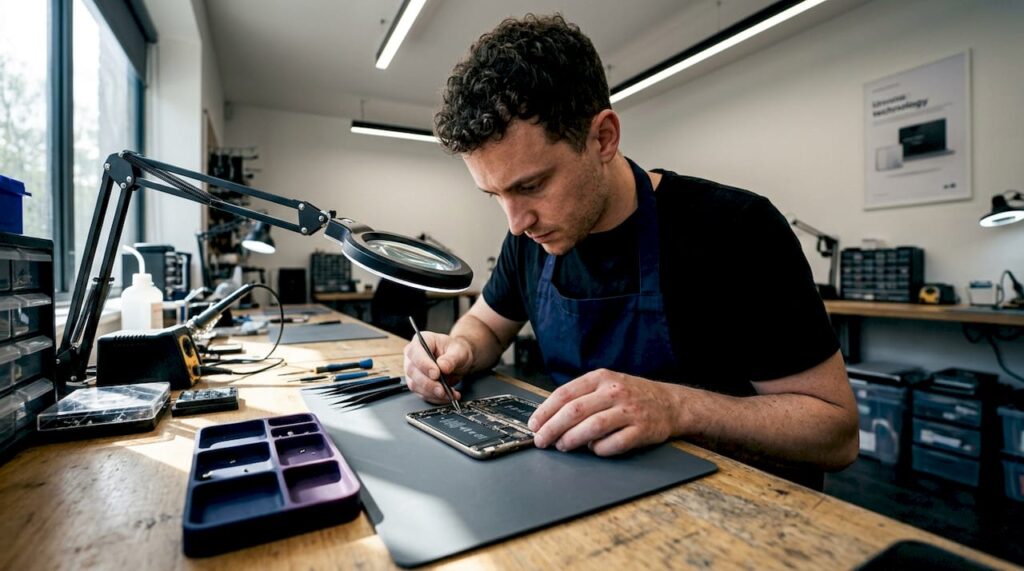

An activation lock bypass repair business is a professional service that helps owners regain access to Apple devices locked by iCloud’s Activation Lock system. Apple introduced Activation Lock as a theft deterrent, but it creates real problems for secondhand buyers and people locked out of their own devices. The official Apple Support process requires proof of purchase or the original Apple ID credentials. When those aren’t available, professional bypass services step in. This guide explains how those services work, what tools they use, and what you should expect before handing over your device.
What is the Activation Lock and why does it exist on Apple devices?
Activation Lock is Apple’s device security feature that ties an iPhone, iPad, or Mac to a specific Apple ID and iCloud account. Once enabled, the device cannot be activated, erased, or reused without the linked account credentials. Apple designed it specifically to make stolen devices worthless to thieves, and it works. A stolen iPhone with Activation Lock active is nearly impossible to sell or use without the original owner’s cooperation.
The problem shows up most often in the secondhand market. A buyer purchases a used iPhone, gets home, and hits the “Hello” screen with no way forward. The previous owner may be unreachable, uncooperative, or simply unaware the lock is still active. Activation Lock deters theft effectively, but it creates a genuine barrier for legitimate buyers who have no connection to the original account.
Here is what Activation Lock controls on a locked device:
- Device setup: The device cannot complete the setup process without the original Apple ID and password.
- Erase and reactivate: Even a full factory reset leaves the lock in place.
- Find My network: The device stays visible to the original owner’s account.
- Resale and repair: Repair shops and resellers cannot restore full functionality without removing the lock.
Organizations using Apple Business Manager or Apple School Manager face a related but different version of this problem. Managed devices enrolled in Mobile Device Management (MDM) have their activation state controlled by the organization. When a company dissolves or an MDM profile is improperly removed, devices can become locked in a managed activation state that requires administrator intervention to clear.
What official methods exist to remove or bypass Activation Lock?
Apple provides a clear path for legitimate owners, but the requirements are strict. Permanent Activation Lock removal through Apple requires proof of valid device ownership. Without that proof, Apple will not act.
The official process works in this order:
- Sign in with the original Apple ID. If you remember the credentials, visit appleid.apple.com, reset the password, and sign in on the device. This is the fastest and most complete solution.
- Contact Apple Support with proof of purchase. Submit an original receipt or invoice showing the device’s serial number. Apple Support reviews the documentation and can remove the lock on verified cases.
- Use Apple Business Manager or Apple School Manager. For organizational devices, an administrator can release the device from MDM enrollment, which clears the managed activation state.
- Request removal through the original seller. If you bought the device from a retailer or carrier, they may have purchase records that satisfy Apple’s verification requirements.
The process breaks down when the previous owner is unreachable or refuses to cooperate. Private-party sales are the most common scenario where this happens. The buyer has no receipt in their name, the seller has moved on, and Apple’s official channels offer no workaround. That gap is exactly where activation lock services from professional repair businesses become relevant.
How do activation lock bypass repair businesses conduct unlocks?
Professional bypass services use two fundamentally different technical approaches depending on the device’s chip generation. The distinction matters because it determines whether the bypass is permanent or temporary.
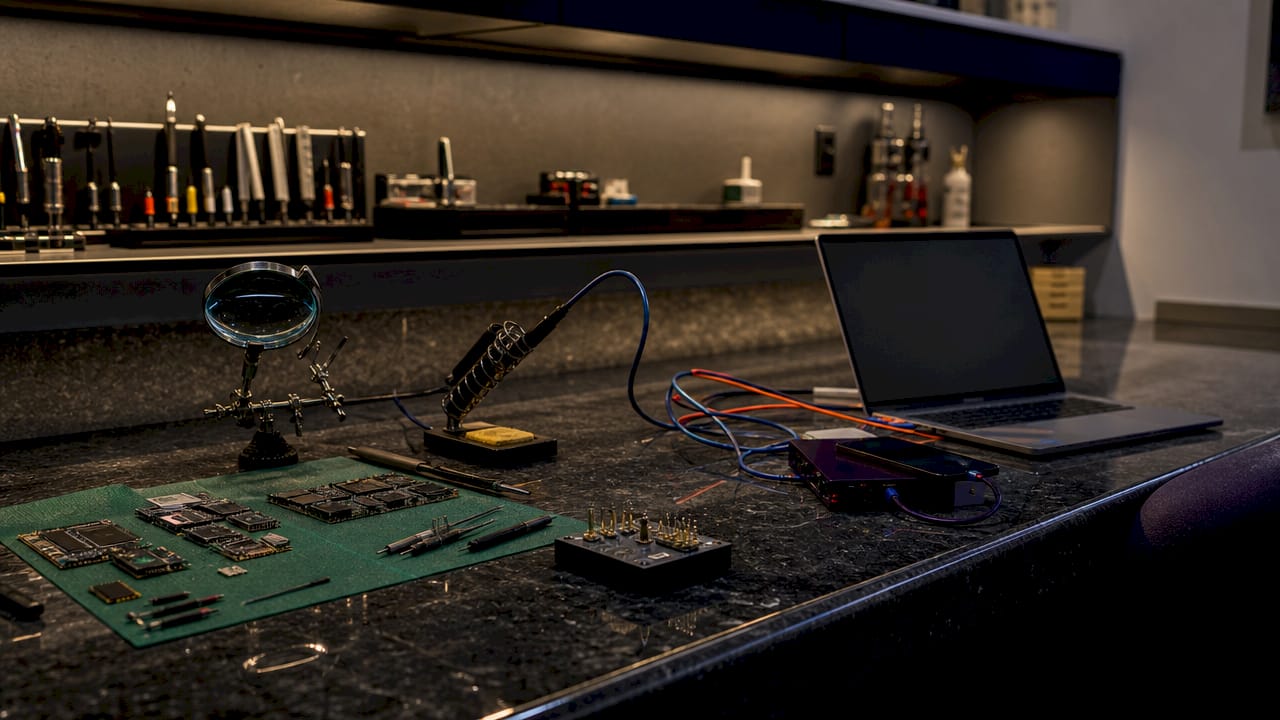
Older devices: BootROM exploits (A5 through A11 chips)
Hardware BootROM exploits target read-only memory vulnerabilities in the device’s hardware. Because BootROM is burned into the chip at manufacture, Apple cannot patch these vulnerabilities with a software update. The bypass is permanent and stable. Devices running chips from the A5 (iPhone 4S) through the A11 (iPhone X, iPhone 8) are candidates for this method. A repair shop using a BootROM exploit can deliver a device that stays bypassed regardless of future iOS updates.
Newer devices: Session-based bypasses (A12 and later)
Devices with A12 chips and newer require a different approach. Session bypasses simulate activation by manipulating Apple’s DRM handshake protocol while the device is in DFU (Device Firmware Update) mode. The technique tricks Apple’s activation server into issuing a temporary session token. The result is a device that appears activated but is not permanently unlocked.
The critical limitation here is cellular functionality. Most professional bypasses disable cellular features post-bypass as of 2026. Cellular calling, mobile data, iMessage, and FaceTime are typically unavailable after a session bypass. The device works on Wi-Fi only. That trade-off is acceptable for some buyers, particularly those using the device as a media player, tablet, or Wi-Fi-only tool.
| Chip Generation | Bypass Type | Permanence | Cellular After Bypass |
|---|---|---|---|
| A5 through A11 | BootROM exploit | Permanent | Varies by method |
| A12 and later | Session manipulation | Temporary | Disabled (Wi-Fi only) |
| MDM-managed devices | MDM profile removal | Permanent if done correctly | Full functionality |
A legitimate bypass repair business follows a standard workflow before touching any device. The technician inspects the device, confirms the chip generation and iOS version, and checks the device’s IMEI or serial number against Apple’s activation server. Ownership verification and valid ID are standard practice among professional services. Skipping that step is a red flag.
Pro Tip: Before booking any bypass service, run the device’s IMEI through Apple’s official Check Coverage page at checkcoverage.apple.com. If the device shows as “Find My: On” and linked to an account, confirm you have documentation connecting you to that device before proceeding.
What tools and techniques do bypass repair businesses use?
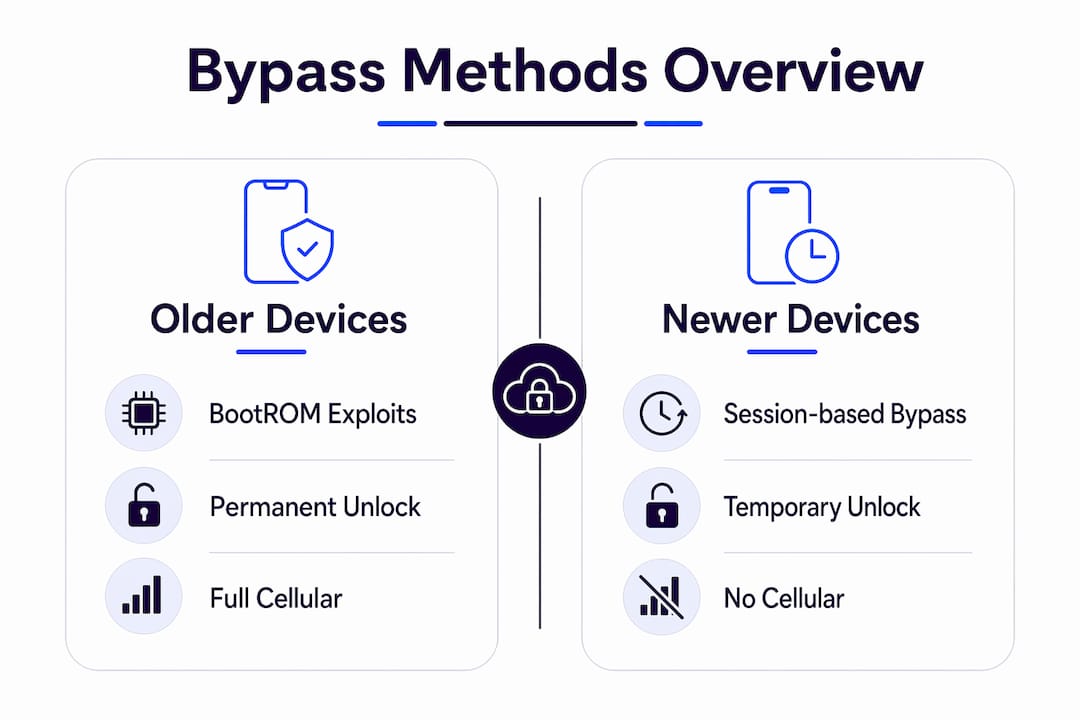
The technical toolkit in a professional bypass repair business centers on a small number of well-documented open-source projects and specialized hardware.
tr4mpass is an open-source tool designed for session-based activation bypass on newer devices. tr4mpass and IM49PASS are built for authorized security research, and their developers explicitly warn against illegal use. Both tools operate by placing the device in DFU mode and then manipulating the activation protocol handshake to generate a bypass session. Results vary by iOS version and device model, and neither tool guarantees a permanent outcome.
IM49PASS targets older hardware using BootROM-level access. Because BootROM exploits target read-only memory, they cannot be patched by Apple. A device successfully processed through IM49PASS on compatible hardware stays bypassed through iOS updates.
The single biggest challenge for repair businesses in 2026 is iOS version compatibility. iOS 26.2 and later include strengthened server-side activation checks that invalidated many bypass techniques that worked on iOS 26.1 and earlier. A bypass method that worked last month may fail today. Reputable shops track these changes closely and update their toolchains accordingly.
Pro Tip: Ask any repair service which iOS version their current method supports before paying. A shop that cannot answer that question specifically is not keeping up with Apple’s security patches.
| Tool | Target Devices | Bypass Type | Patched by iOS Updates? |
|---|---|---|---|
| tr4mpass | A12 and later | Session-based | Yes |
| IM49PASS | A5 through A11 | BootROM exploit | No |
| DFU mode protocol | All generations | Prerequisite step | N/A |
How can customers safely and legally use activation lock bypass services?
The most important rule is straightforward: bypassing Activation Lock without owner authorization is illegal in many jurisdictions and voids warranties and official Apple support. Any legitimate service will require you to prove the device is yours before proceeding.
Before choosing a repair service, prepare the following:
- Proof of purchase. An original receipt, invoice, or carrier contract showing the device’s serial number or IMEI in your name.
- Valid government-issued ID. Professional services match your ID to the purchase documentation.
- Device IMEI or serial number. Know this before you walk in. It is printed on the original box or accessible through Settings if the device partially boots.
- Realistic expectations about functionality. For A12 and newer devices, accept that cellular features will likely be disabled post-bypass.
Watch for these red flags when evaluating a service:
- No ownership verification required before service begins.
- Promises of full functionality restoration on A12 or newer devices.
- No clear statement of which iOS versions and device models they currently support.
- Payment required upfront with no refund policy if the bypass fails.
Local bypass activation server status does not change on Apple’s servers after a local bypass. The device remains flagged in Apple’s system. That means iCloud services, Apple Pay, and warranty repairs through Apple remain unavailable. A bypassed device is usable, not fully restored. Understanding that distinction protects you from disappointment and from services that overpromise.
Key Takeaways
Choosing a legitimate activation lock bypass repair business requires understanding both the technical limits of bypass methods and the legal obligations around ownership verification.
| Point | Details |
|---|---|
| Official removal requires proof | Apple Support only removes Activation Lock with valid purchase documentation or original credentials. |
| Older devices get permanent bypasses | A5 through A11 chips support BootROM exploits that Apple cannot patch with software updates. |
| Newer devices lose cellular | A12 and later session bypasses typically disable cellular, iMessage, and FaceTime post-bypass. |
| iOS updates break session methods | iOS 26.2 and later invalidated many bypass techniques that worked on iOS 26.1 and earlier. |
| Ownership verification is non-negotiable | Any legitimate service requires valid ID and purchase proof before beginning work. |
The part most repair shops won’t tell you upfront
I have spent years watching the bypass repair space evolve, and the single most consistent problem is not technical. It is expectation management. Buyers walk in expecting a fully restored iPhone and walk out with a Wi-Fi-only device that cannot make calls. That gap exists because too many services describe what they can do without clearly explaining what the device cannot do afterward.
The technical difficulty is real and growing. Apple’s iOS 26.2 update was a significant setback for session-based bypass methods. Shops that were reliably bypassing A14 and A15 devices in early 2026 suddenly had to rebuild their toolchains from scratch. The businesses that survived that disruption are the ones that invested in staying current with security research, not just running the same tool they downloaded two years ago.
The ethical side matters more than most people admit. Technical research continues to find new bypass vectors, but every legitimate researcher emphasizes the same point: these tools exist for authorized use on owned devices. A repair business that skips ownership verification is not just cutting corners. It is creating legal liability for itself and potentially processing stolen hardware.
My honest recommendation is to treat ownership verification as a quality signal, not an inconvenience. The shops that ask for your ID and purchase receipt are the ones worth trusting. The ones that ask no questions should raise every alarm you have.
— Mantas
Bybassicloud’s activation lock removal resources
Bybassicloud covers the full range of Apple device unlocking, from older hardware to the latest iOS releases.
For devices running the latest firmware, the iOS 26.5 activation lock removal guide covers current methods with step-by-step instructions for supported models. If you bought a used iPhone and need a clear starting point, the stuck on Hello removal guide walks through both official and bypass options in plain language. Bybassicloud updates its guides as Apple releases new iOS versions, so the methods you find there reflect current compatibility, not outdated techniques.
FAQ
What is an activation lock bypass repair business?
An activation lock bypass repair business is a professional service that removes or works around Apple’s Activation Lock on iPhones, iPads, and Macs using technical bypass methods when official Apple credentials are unavailable.
Does bypassing Activation Lock restore full device functionality?
Not always. Session-based bypasses on A12 and newer devices typically disable cellular calling, mobile data, iMessage, and FaceTime, leaving the device functional on Wi-Fi only.
Is it legal to use a bypass repair service?
Using a bypass service on a device you own is legal in most jurisdictions. Bypassing a device without owner authorization is illegal in many countries and voids Apple’s warranty and support.
How do I know if a bypass service is legitimate?
A legitimate service requires valid ID and proof of purchase before starting work. Any service that skips ownership verification is a red flag and may be processing stolen devices.
Will iOS updates break a bypass after the repair?
Session-based bypasses on newer chips can break with iOS updates. iOS 26.2 invalidated many methods that worked on iOS 26.1. BootROM exploits on older A5 through A11 devices are permanent and unaffected by software updates.
Recommended
- Activation Lock Bypass iPhone XR iOS 18.7.9 Free iCloud Unlock iOS 26 2026◁ Remove Apple iD Lock
- 2026 Guide iPhone Locked to Owner How to Bypass Activation LockWithout Apple ID – Bypass iCloud – iCloud Activation Lock Removal Solutions & Guides
- ✅ iPhone Activation Lock Bypass Free 2026 | New Working Trick – Bypass iCloud – iCloud Activation Lock Removal Solutions & Guides
- Bypass icloud activation lock iphone 15 Plus iOS 26.1via Tool 2026 Fast Easy /Nothing Bypass A12 103 – Bypass iCloud – iCloud Activation Lock Removal Solutions & Guides