
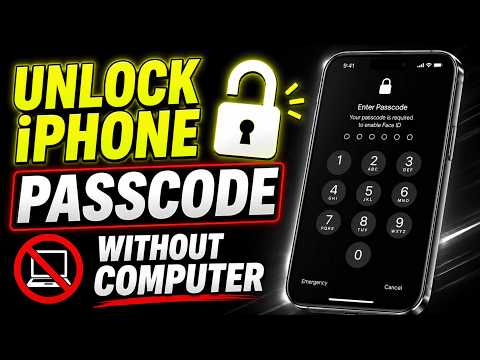

Forgot your iPhone passcode and don’t have a computer? In this video, I’ll show you the official ways to unlock your iPhone without a Mac or Windows PC. Learn how to use the Erase iPhone option from the Security Lockout screen and how to erase your device remotely using the Find My app. I’ll also explain how to restore your data afterward using an iCloud backup.
My Favorite Gadgets:- https://www.amazon.com/shop/howtoisolve
⚠️ Important: There is no way to bypass a forgotten iPhone passcode without erasing the device. Always make sure you know your Apple Account password before starting.
#iPhone #iPhonePasscode #AppleID
Subscribe on YouTube: https://www.youtube.com/freetechguide?sub_confirmation=1


📌 Important: There is NO way to bypass or recover a forgotten iPhone passcode without erasing the device. Any website, app, or video claiming otherwise is likely a scam.
If you're locked out and don't have a computer, you can use Erase iPhone on the Security Lockout screen or erase the device from the Find My app on another Apple device. Just make sure you know your Apple Account password and have a recent iCloud backup ready to restore your data afterward.
Have questions? Drop them below and I'll do my best to help.