
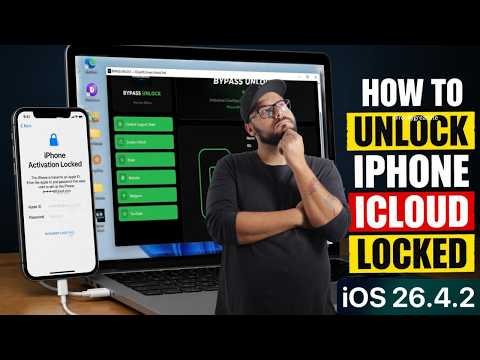

Stuck on the “Device Not Registered” message? In this video, I will show you exactly how to register your device serial number so you can successfully activate your iPhone or iPad using the Bypass Unlock Tool. Many users download the tool, connect their device, and get stuck when the software asks for serial registration. Don’t worry—it’s a quick and simple server authorization process. Follow this exact step-by-step guide to unlock your device completely.
Official Website: https://bypassunlock.online
Direct Registration Link: https://bypassunlock.online/register/icloud
24/7 AI Support Bot: https://t.me/BYPASS_UNLOCK_SUPPORT_BOT
📋 The 4-Step Registration Process Explained:
1️⃣ Connect & Verify: Plug your device into your PC or Mac using an original Apple cable. Make sure the status on the right panel says “Supported”. Do not register if it says unsupported!
2️⃣ Copy Your Serial: Look at the “Serial Number” field in the tool. Click the small icon next to it to copy your unique hardware ID instantly.
3️⃣ Submit on the Website: Go to the official website portal, paste your copied Serial Number, select your exact phone or iPad model, type your email, and continue to payment.
4️⃣ Activate Your Device: Once your payment is processed, wait 15–30 minutes for the server to bind your serial number. Reopen the desktop tool, and the “Activate” and “Screen Unlock” buttons will light up, allowing you to bypass your device with a single click!



pls help the connection is broken how to install driver ?
Help me sir 13 pro max bypass nede me sir
❤❤❤
iPhone 17 pro iOS 26.4.2 work right?
how to pay on card ?
This work with iPhone 17 pro max ios 26.5.1?