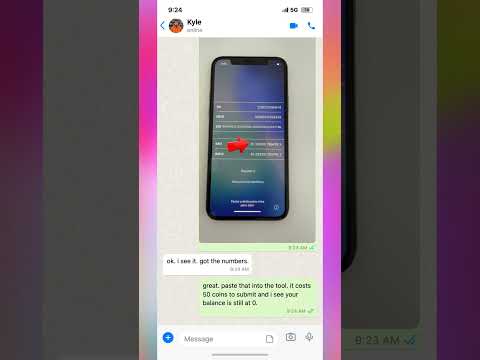
Stuck on the Previous Owner Apple ID screen after buying a used iPhone? This common issue occurs when a device has not been properly wiped or removed from the original user’s iCloud account, leaving the phone stuck on the Activation Lock screen. In this video, we walk through the essential steps to resolve this hurdle so you can set up your device as new. You will learn how to identify your device’s unique IMEI number directly from the Hello setup screen, which is the first step in verifying your device’s status. We cover the technical process of navigating the Activation Lock interface and explain why this lock happens during secondary market sales. Whether you are dealing with a demo unit or a second-hand purchase, understanding how the Apple ID security system interacts with your hardware is key to regaining access. Follow along to learn how to clear the locked-to-owner status and get your iPhone back to the home screen without the headache of previous owner restrictions.
Posted inBlog
Ski Rental Shop Scammed? Locked to Owner iPhone Fix
Posted by
 No Comments
No Comments
Post navigation

Next Post
¿El bypass está cerca? 👀